SURPG Controls (PC & Mobile)
Learn movement, ability keys 1-4, power-ups, and camera habits that make emerald runs easier.
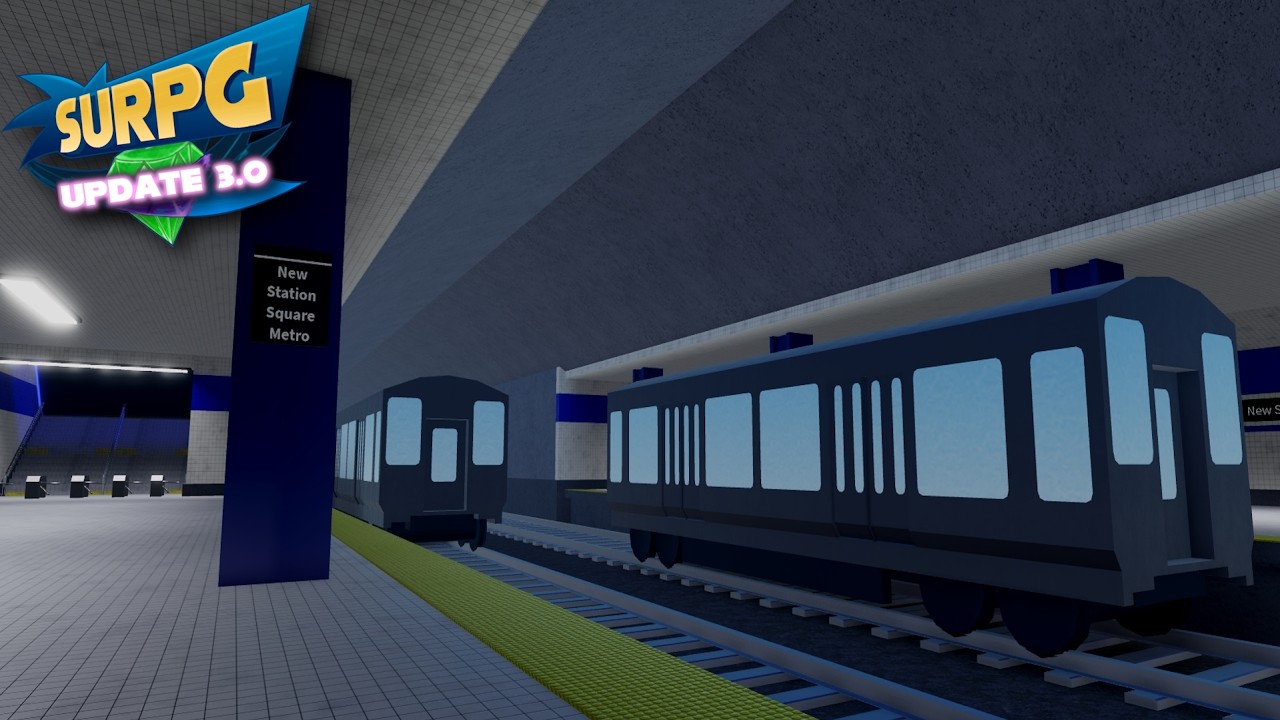
Clean controls turn SURPG from a frustrating fall simulator into the open-world Sonic RPG it is meant to be. Whether you play on PC or mobile, you need reliable movement, confident camera work, and instant recall of ability keys 1–4. This guide explains the practical control habits that matter for Chaos Emerald obbys, ring farming, and PvP — especially after Update 3.0 put Hyper Form back into the spotlight.
Pair this page with Getting Started for session goals and PvP Combat once you are ready to toggle fights on.
Core movement principles
SURPG rewards momentum and line choice. Before you memorize every button label, internalize these habits:
- Move with intention. Sprint in straight lines on freeways; shorten inputs on narrow mountain ledges.
- Camera first, dash second. Most falls happen because the camera faces the wrong edge, not because the jump height is impossible.
- Reset after mistakes. If an obby section breaks your rhythm, stop, re-center the camera, then continue. Panic Spin Dashes cause chain deaths.
- Protect rings while learning. Rings fuel Super (plan around 50) and keep fights alive. Dying broke teaches less than surviving with a buffer.
Roblox default move/jump patterns still apply underneath SURPG’s ability layer. If your device feels floaty, lower camera sensitivity slightly before blaming the route.
PC controls mindset
On PC you usually have the advantage of precise key access:
- Movement keys for exploration and freeway runs.
- Jump for standard platforming.
- Number keys 1–4 for the ability kit (details below).
- Mouse camera for fine ledge checks in volcano caves and sewers.
Bind comfort matters more than copying a streamer’s exact layout. What you must achieve is instant access to Spin Dash without losing camera control. If your fingers tangle when pressing ability keys mid-jump, practice on flat ground near spawn for five minutes every session.
PC players should also glance at the PvP toggle location regularly. Accidental enables are common when you are remapping focus between UI and gameplay after a death.
Mobile controls mindset
Mobile SURPG is absolutely viable — Cyan through Blue have all been cleared on touch — but the failure mode differs:
- Thumbs hide parts of the screen; shift grip so jump and camera remain visible on tight obbys.
- Use shorter boost bursts; long Turbo lines are harder to micro-correct on touch.
- Increase brightness in desert and volcano sections if ledges wash out.
- Prefer deliberate taps for abilities over sliding across the entire skill row mid-air.
If a mountain route feels impossible on mobile, practice the same section in a private calm moment with PvP off. Device performance also matters: background apps cause input delay that feels like “bad hitboxes.”
Ability keys 1–4
Memorize these until they are muscle memory:
| Key | Ability | Primary use |
|---|---|---|
| 1 | Spin Dash | Gap close, escape, momentum |
| 2 | Homing Barrage | Pressure, chase confirms |
| 3 | Sonic Wind | Space control, peel |
| 4 | Heavy Stomp | Commit, vertical drop attacks |
Spin Dash (1)
Your default answer to distance problems. In exploration, use it to skip boring flat ground. In platforming, use tiny dashes — full commits on White mountain ledges are how runs end. In PvP, dash through Wind whiffs and out of Stomp telegraphs.
Homing Barrage (2)
Best when you already see a clean target. Firing Barrage into foggy sewers or dense forest without vision wastes the tool. Combine with elevated camera angles.
Sonic Wind (3)
Wind creates breathing room. Use it when someone is glued to your back on a freeway chase or when you need to deny a stomp. It is also handy for objective play when crowds block a fountain approach.
Heavy Stomp (4)
Stomp is high reward and high risk. Great for finishing grounded opponents or descending intentional shafts. Terrible when used as a panic button above unknown pits — especially Purple wasteland sewers.
Power-ups and how they change inputs
SURPG power-ups modify what “good control” means in the moment:
- Chaos Control — repositioning tool; re-orient the camera immediately after use so you do not dash off a cliff.
- Ring Magnet — lets you hold movement lines while collecting; ideal for pre-Super farming.
- Light Speed Dash — follow the line; fighting the rail mid-dash causes awkward exits.
- Turbo Boost — raw speed. Ease into turns earlier than you think you need, especially on mobile.
These power-ups do not replace abilities 1–4; they layer on top. A Hyper user with Turbo and no camera discipline still dies to basic ledges.
Controls for emerald routes
Translate inputs into biome plans:
- Cyan (spawn cave): slow camera, short jumps, no need for Turbo inside.
- White (mountain / freeway): patience over Spin Dash spam; re-square camera each platform.
- Green (forest): stop at forks; Barrage only with vision.
- Red (volcano): reduce sensitivity; avoid full Turbo in corridors.
- Yellow (desert pyramid): boost on open sand, precision indoors.
- Purple (sewers): hug walls, minimal panic stomps.
- Blue (city fountain): open camera, ready Wind for crowds.
Full route notes live in Chaos Emeralds.
Controls for forms and PvP
When you unlock Super, Dark, or Hyper, inputs stay the same but timing windows shrink because everything moves faster. Practice ability cancels and camera recentering in base form first. Read How to Get Forms and Hyper Form for unlock context, then return here if your fingers still miss key 3 under pressure.
PvP-specific control tips:
- Check the PvP toggle before engaging.
- Do not buffer Heavy Stomp from foggy cameras.
- Keep Ring Magnet routes memorized for mid-set restocks.
- Prefer open city space for practice duels over Risyari’s plaza.
Accessibility and comfort tips
- Take breaks during eight-part permanent emerald farms (Permanent Emeralds).
- If one hand fatigues on mobile, switch primary thumb roles between sessions.
- Colorblind or high-glare players may need custom device display settings for Red/Yellow biomes — that is a display issue, not a “skill issue.”
- Recheck controls after large patches; Update 3.0-style updates sometimes shuffle UI emphasis even when bindings stay similar.
Common control mistakes
Treating Spin Dash as a solution to every ledge. Ignoring camera before jumping. Playing with PvP on while learning inputs. Holding Turbo through tight caves. Forgetting which number key is Wind vs Stomp mid-duel. Never practicing abilities on flat ground. Fix these and your emerald clear times drop without any new gamepass.
Practice routine (10 minutes)
- Spawn with PvP off.
- Two minutes straight-line Spin Dash control on flat ground.
- Two minutes camera-only ledge peeks near Cyan cave.
- Two minutes ability rotation 1–2–3–4 without moving.
- Two minutes combined movement + one ability.
- Two minutes Ring Magnet pathing while maintaining camera height.
Then attempt a real emerald section. Short drills beat hour-long tilted retries.
Related guides
- Getting Started — what to do on day one.
- Chaos Emeralds — where to apply these controls.
- PvP Combat — toggle and duel habits.
- How to Get Forms — Super, Dark, Hyper.
- Tier List — once combat feels mechanical.
- Codes — refill rings after messy practice nights.
Master camera, dash discipline, and keys 1–4 — every other SURPG guide becomes easier to execute.
Frequently Asked Questions
Quick answers to the most common SURPG questions.
What are the ability keys in SURPG?
Abilities use keys 1-4: Spin Dash, Homing Barrage, Sonic Wind, and Heavy Stomp.
Is SURPG easier on PC or mobile?
PC usually offers finer camera control, but mobile can clear every emerald route with shorter boosts and careful grips. Practice matters more than platform.
Which power-ups help most with controls?
Ring Magnet helps farming while moving, Turbo Boost and Light Speed Dash help travel, and Chaos Control repositions — always re-center your camera after using them.
Should I learn controls with PvP on?
No. Keep PvP off while building muscle memory, then toggle fights on once abilities feel consistent.
Why do I keep falling on mountain and sewer routes?
Usually camera angle and panic Spin Dashes. Stop, re-square the camera, and use shorter dashes instead of full-speed commits.